The recording that remembers every click
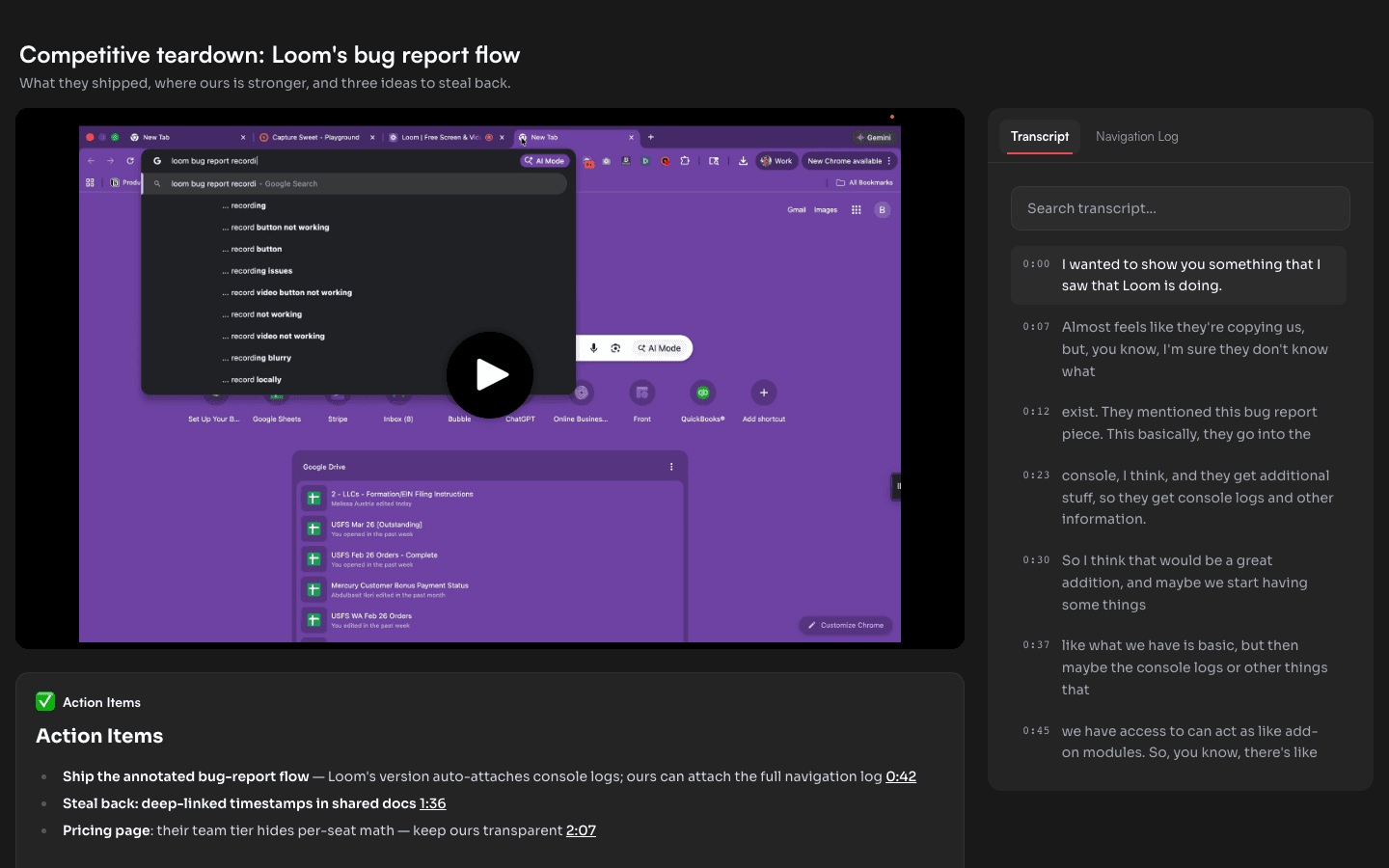
While you record, Capture Sweet logs each page you visit and each element you click, timestamped against the video. That log shows up on the share page — and feeds everything AI does with your recording.
What gets captured
The extension watches the browser while it records: URLs as you navigate, the elements you click, and when each happened. The result is a timestamped trail that sits beside the transcript on your share page — viewers click any entry and the video jumps to that moment.
Why it matters
Bug reports that reproduce themselves. The repro steps are already written — every page and click, in order, with timestamps. Engineers stop guessing what you did.
SOPs without manual screenshots. The log plus auto-captured screenshots means a Flow can write the step-by-step doc for you, deep-linked to each step on screen.
Findable moments."Where did they open the billing page?" is a click in the log, not ten minutes of scrubbing.
Record once, keep the whole story
The navigation log is captured on every plan, including free.