One recording, every name on it
Add {{name}} placeholders to a share page, then pass ?name=Sarah&company=Acme in the link. Every prospect opens a page addressed to them — without you recording a single extra video.
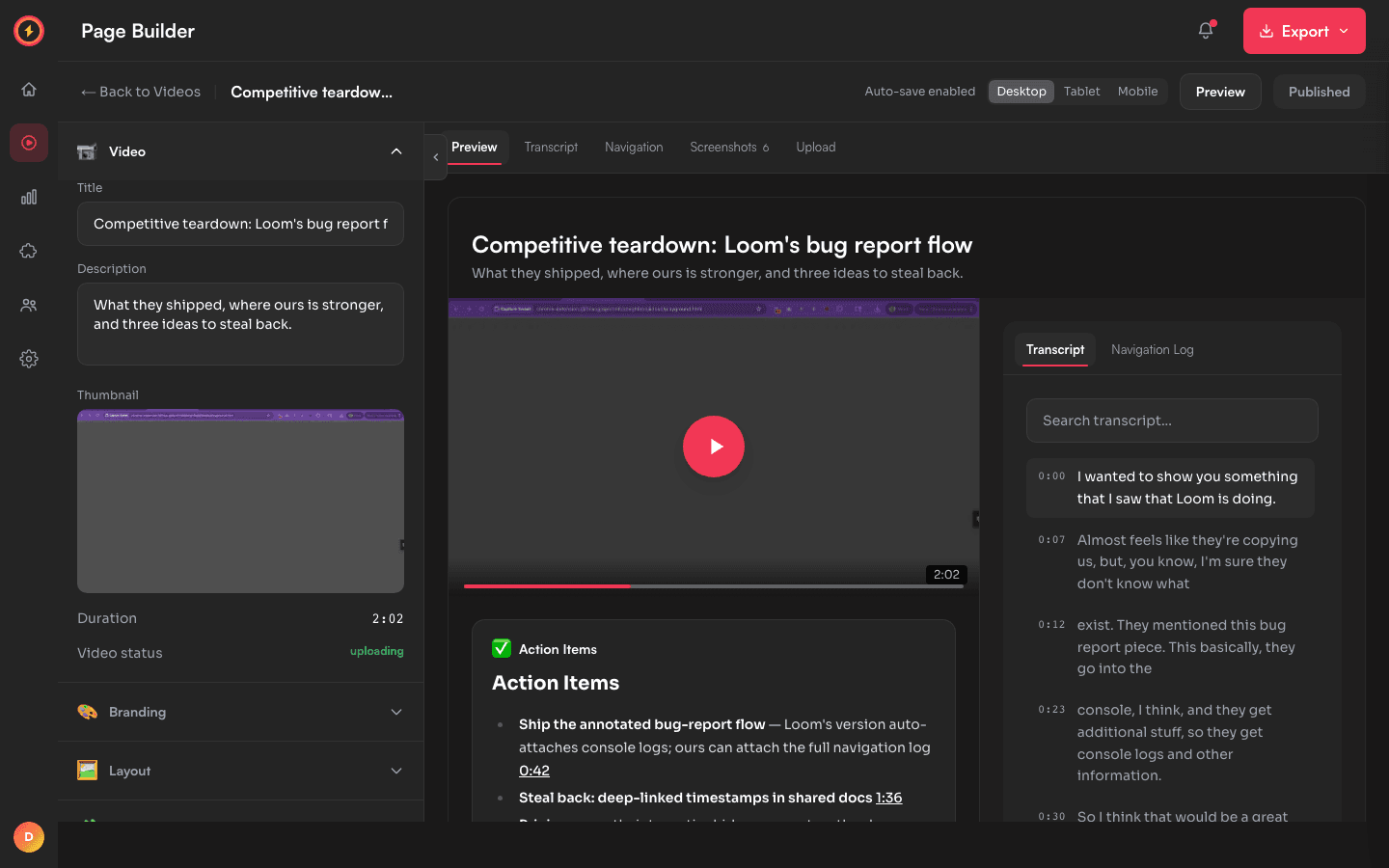
How personalization works
Anywhere you can write text on a share page, you can write a placeholder like {{name}}. When a viewer opens the link with a matching query parameter — ?name=Sarah — the placeholder is replaced with their value. Pass more than one: ?name=Sarah&company=Acme fills both {{name}} and {{company}}.
The video never changes — you record it once. Only the page text around it adapts, so a single recording becomes hundreds of pages that each read like they were made for one person.
How to personalize a share page
- 1
Open the video's editor
From your library, open the recording and click Edit to open the page builder. - 2
Write placeholders into your copy
In the page heading or a text block, write something like “Hi {{name}}, here’s a quick walkthrough for {{company}}.” - 3
Build a link per recipient
Take the share link and append the values: ?name=Sarah&company=Acme. Each recipient gets their own link with their own values. - 4
Publish and send
Publish once. Then send each personalized link — every prospect lands on a page that greets them by name.
Where it earns its keep
Sales outreach: record one tight demo, then send each prospect a page that opens with their name and their company — the reach of a template with the feel of a one-to-one video.
Onboarding: one welcome walkthrough greets every new customer by name, so the same recording feels bespoke to each account.
Make one video feel like a thousand
Personalization works on the free plan — record once and send a page for every name on your list.