A bug repro that writes itself
Record yourself hitting the bug and Capture Sweet captures more than the video: a navigation log of every page and click, plus screenshots. A Flow can turn the whole thing into a written repro your engineers can follow.
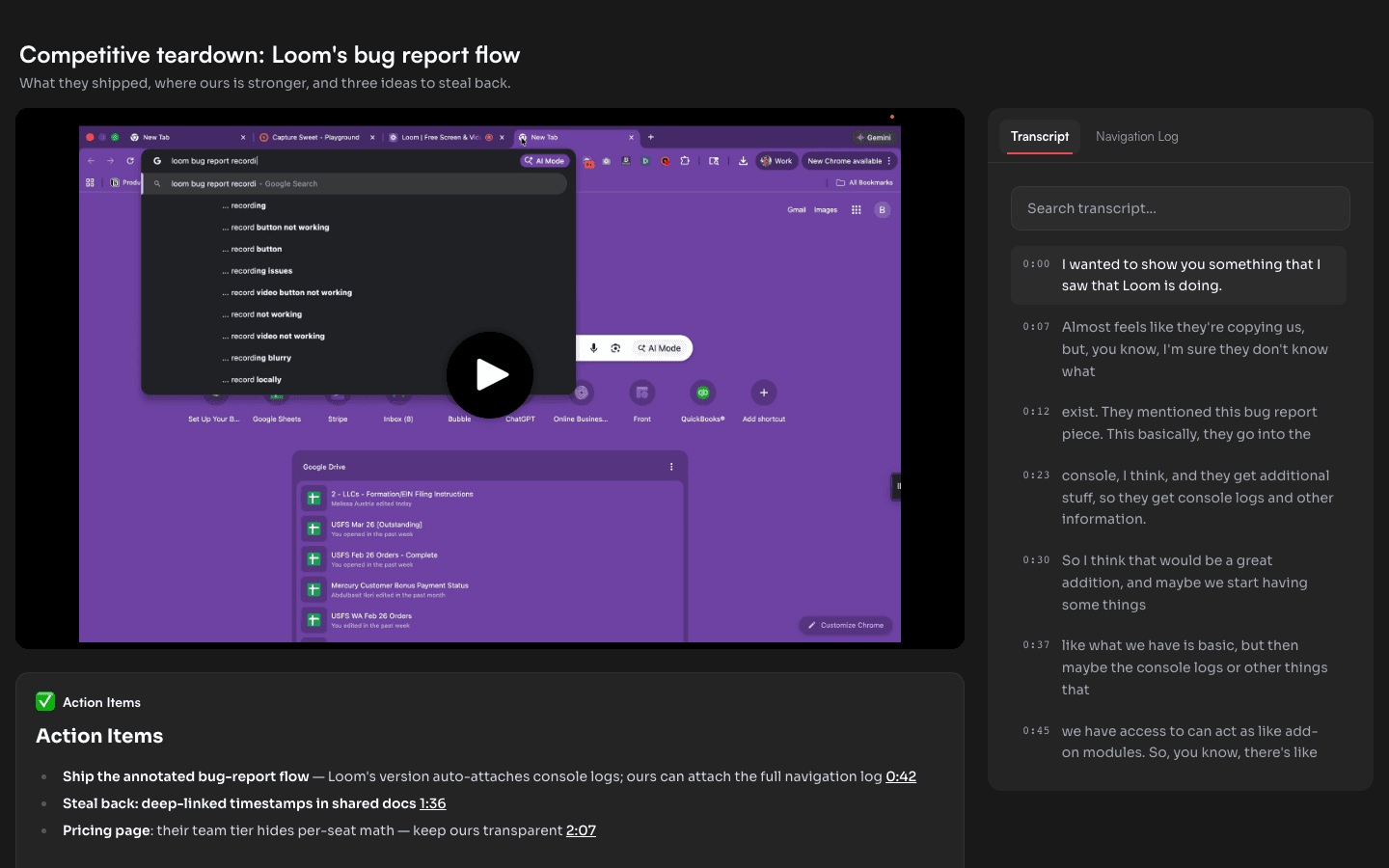
Why a screen recording beats a written ticket
The hardest part of a bug report is the part everyone skips: the exact steps. "It broke on the settings page" sends a developer on a hunt. A Capture Sweet recording removes the hunt, because every recording carries a navigation log — every page you visited and every click you made, captured automatically while you reproduce the issue.
On the share page, that log is clickable: an engineer reads "clicked Save" and jumps the video straight to that frame. No scrubbing, no guessing which click mattered.
How to file a repro
- 1
Start recording, then reproduce the bug
Hit record with the Chrome extension and walk through the exact steps that trigger the issue. The navigation log captures every page and click as you go. - 2
Let screenshots catch the broken state
Grab screenshots of the error so the failure is documented as stills, not just a moment in the video an engineer has to find. - 3
Run a Flow to write the repro
Add a Document module and run a Flow over the transcript and navigation log. It produces a written repro — the steps, in order, each deep-linked to the moment in the video. - 4
Share the page with your team
Send the share link. Your engineer gets the video, the clickable step log, the screenshots, and the written repro on one page.
Built for QA and developer workflows
QA: file reproducible tickets in the time it takes to hit the bug once. The step log is the repro — no writing it up by hand.
Developers:jump from any line in the repro to the exact frame, see the navigation context, and stop asking "what were you doing right before it broke?"
Stop writing repro steps by hand
The Chrome extension records locally and the navigation log comes free with every recording. The free plan includes 3 Flow runs a month to write up your reports.